


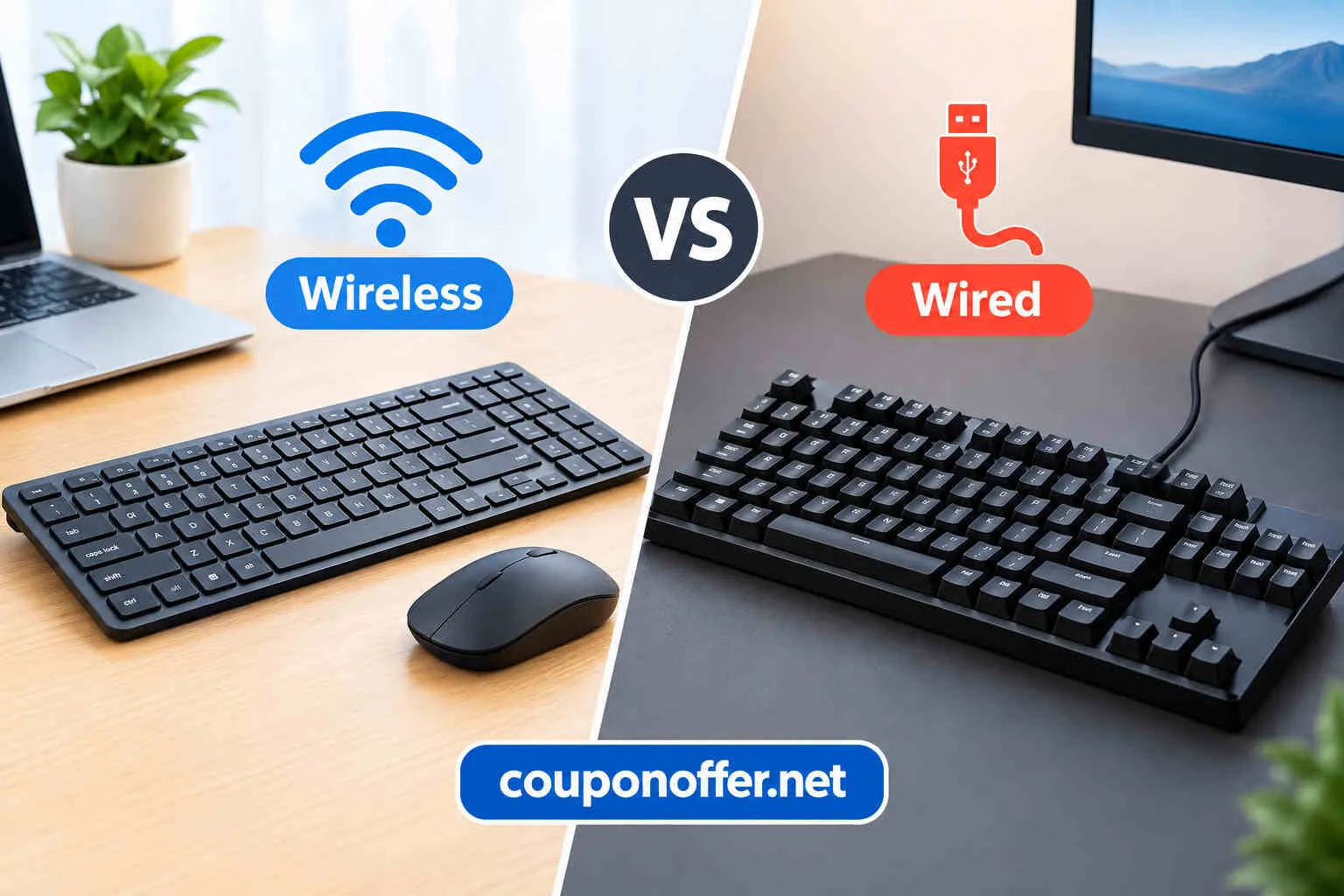

Wireless vs Wired Keyboard: Which Should You Buy?
Choosing a new keyboard is no longer as simple as picking the first model that fits your budget. Today, you can choose between traditional wired keyboards, Bluetooth models, 2.4GHz wireless keyboards, and even keyboards that support multiple connection modes. So, when comparing a wireless vs wired keyboard, which option actually makes more sense?
The answer depends on how you plan to use your keyboard. Gamers may care more about latency and responsiveness, while office users may prioritize comfort, portability, and a clean desk setup. Battery life, connection stability, price, and compatibility can also influence the decision.
If you are ready to explore different models, you can browse the keyboard collection on CouponOffer to compare available options before making a purchase.
In this guide, we will compare wired and wireless keyboards across performance, gaming, work, battery life, reliability, price, convenience, and long-term use so you can choose the right type for your setup.
Wireless vs Wired Keyboard - What’s the Difference?
The biggest difference between a wired and wireless keyboard is how it connects to your computer or another compatible device.
A wired keyboard typically connects through USB. Because the keyboard communicates directly through a physical cable, there is no battery to charge and no wireless pairing process to manage. For users who want a simple plug-and-play setup, this can be a major advantage.
A wireless keyboard uses a wireless connection instead. Common options include Bluetooth and 2.4GHz wireless connections. Some modern keyboards also support multiple connection modes, allowing users to switch between wireless and wired operation depending on the situation.
Neither connection type is automatically right for everyone. The better choice depends on whether you value simplicity, portability, performance, flexibility, or a cleaner desk.
How Wired Keyboards Connect
Wired keyboards generally use USB connections. Once connected, the computer can communicate with the keyboard without relying on a wireless signal. This makes wired keyboards particularly convenient for desktop setups where the keyboard normally stays in one place. You also do not need to remember to charge the keyboard or replace batteries.
For example, the Corsair Galleon 100 SD wired gaming keyboard uses a USB-C wired connection and is designed for gaming, streaming, and productivity. It also includes features such as 8,000Hz Hyperpolling, hot-swappable switches, and integrated Stream Deck controls.
How Wireless Keyboards Connect
Wireless keyboards usually connect through Bluetooth, a dedicated 2.4GHz receiver, or both. Bluetooth can be particularly useful when you want to connect to compatible laptops, tablets, or multiple devices without keeping a cable attached.
2.4GHz wireless connections can also provide a responsive experience while maintaining the convenience of a cable-free desk. Some keyboards combine several connection options. This is useful if you want one keyboard for both a desktop gaming setup and a laptop or other compatible device.
Wireless vs Wired Keyboard: Key Differences at a Glance
Before going deeper, here is a quick comparison:
The important point is that modern wireless keyboards can offer far more than basic convenience. At the same time, wired keyboards remain attractive because of their straightforward connection and lack of battery management.
Performance and Responsiveness — Is Wired Always Faster?
Performance is one of the most common reasons people compare a wired vs wireless keyboard. A wired keyboard has a direct physical connection, which removes the need for wireless transmission. This makes wired keyboards a straightforward choice for users who want consistent communication between the keyboard and computer.
It would be inaccurate to assume that every wireless keyboard has noticeable lag. Modern wireless gaming keyboards can be highly responsive, particularly when they use a dedicated 2.4GHz connection rather than standard Bluetooth.
Wireless Keyboard Latency
Wireless keyboard latency depends on several factors, including the connection technology, wireless receiver, polling behavior, firmware, and overall design of the keyboard. For everyday typing, browsing, office work, and general productivity, small differences in latency are usually less important than comfort and convenience.
For competitive gaming, however, responsiveness becomes more important. Players who want the most predictable connection may still prefer wired models, while users who want wireless freedom can look for gaming keyboards specifically designed for low-latency wireless operation.
Do Wireless Keyboards Have More Lag?
A common question is, do wireless keyboards have lag?
Wireless keyboards can experience latency, but that does not mean every wireless keyboard feels slow. The actual experience varies by connection type and product.
Bluetooth is convenient and widely compatible, but dedicated 2.4GHz wireless technology is often designed with performance-focused use in mind. Therefore, when shopping for a wireless gaming keyboard, checking the connection technology can be more useful than simply asking whether it is wireless.
Wireless vs Wired Keyboard for Gaming
Gaming is one of the most important areas where people debate wireless vs wired keyboard for gaming.
Competitive gamers often want fast and consistent input. A wired keyboard removes wireless transmission from the equation and does not depend on a battery. This makes it a straightforward option for a dedicated gaming PC.
A wireless gaming keyboard, on the other hand, can provide similar convenience while reducing cable clutter. Modern models can also include gaming-oriented features such as mechanical switches, RGB lighting, programmable keys, and multiple connection modes.
Wired Keyboards for Gaming
A wired keyboard can be a practical choice for gamers who keep their keyboard permanently connected to a desktop PC. The ASUS TUF Gaming K3 Gen II wired gaming keyboard uses a USB connection and features a compact 98-key layout, optical-mechanical RGB switches, PBT keycaps, and water and dust resistance.
Another performance-focused option is the Corsair Galleon 100 SD, which combines a wired connection with high-polling performance, mechanical switches, hot-swappable switch support, and integrated controls for gaming and streaming.
Wireless Keyboards for Gaming
Wireless gaming keyboards are particularly useful if you want a cleaner setup or frequently move your keyboard between devices.
A model such as the AULA F75 Pro Wireless Mechanical Keyboard offers tri-mode connectivity, a 75% layout, hot-swappable switches, RGB lighting, and a 4000mAh battery. That combination makes it suitable for users who want mechanical keyboard features without being permanently connected by a cable.
For users who want a larger layout while keeping wireless flexibility, the ASUS ROG Strix Morph 96 Wireless provides a 96% layout, tri-mode connectivity, hot-swappable switches, RGB lighting, and an aluminum construction.
Wireless or Wired Keyboard for Work and Productivity?
Gaming is not the only reason to compare a wireless or wired keyboard. Office workers, students, remote workers, programmers, and people working from home may have completely different priorities.
A wireless keyboard can make a workspace look cleaner and can be easier to move between different devices. This can be useful if you regularly work with a laptop and desktop or change your workspace during the day. A wired keyboard is often more straightforward for a permanent office setup. Once connected, there is no need to think about wireless pairing, charging, or battery status.
Why Choose a Wireless Keyboard for Work?
Wireless keyboards can be particularly useful when portability and desk flexibility matter. For example, the Logitech Ergo K860 Wireless Ergonomic Keyboard is designed around an ergonomic split-keyframe layout and includes a padded wrist rest.
It supports Bluetooth and a USB receiver, making it a useful example of how wireless keyboards can focus on both flexibility and long typing sessions. If your work involves many hours of typing, the shape and comfort of the keyboard may matter more than whether it is wired or wireless.
Why Choose a Wired Keyboard for Office Work?
A wired keyboard can be a good choice if your keyboard stays at the same desk every day. You do not have to charge it, replace batteries, or worry about wireless connectivity. For a simple desktop workstation, those small conveniences can add up over time.
Convenience, Portability, and Desk Setup
One of the biggest advantages of a wireless keyboard is freedom from a physical cable. If your desk has several devices, monitors, speakers, chargers, and other accessories, removing one cable can make the workspace easier to organize. Wireless keyboards can also be moved quickly when you need additional desk space.
A wired keyboard requires cable management, but some users prefer this because the connection is always physically established. If you rarely move your keyboard, portability may not matter much. If you regularly switch between devices or work from different locations, wireless becomes more attractive.
Battery Life and Long-Term Maintenance
Battery management is one of the main differences between a wired and wireless keyboard. A wired keyboard receives power through its cable, so there is no separate battery to charge.
Wireless keyboards need power when operating wirelessly. Depending on the model, this may come from rechargeable batteries or replaceable batteries. When evaluating wireless keyboard battery life, look at how often you expect to use the keyboard and whether charging fits comfortably into your routine.
For occasional users, battery management may be almost unnoticeable. For someone who types or games for many hours every day, battery life becomes a more important buying consideration.
Wireless Keyboard Reliability and Connectivity

Wireless keyboard reliability has improved considerably, but connection technology still matters. Bluetooth is convenient because many devices support it without requiring a separate receiver.
Dedicated wireless receivers can be preferable for some performance-focused applications. A wired keyboard avoids wireless interference altogether because the connection is physical.
When buying a wireless model, consider:
- Bluetooth or 2.4GHz connectivity
- Wireless range
- Receiver design
- Battery life
- Multi-device support
- Wired fallback mode
- Compatibility with your operating system
A keyboard that supports multiple connection modes can provide extra flexibility because you are not limited to one connection method.
Wired vs Wireless Keyboard: Price and Value
Price is another important part of the decision. Basic wired keyboards can be inexpensive because they do not need batteries, wireless hardware, or charging components. However, premium wired gaming keyboards can still become expensive because of mechanical switches, displays, high polling rates, programmable controls, and other advanced features.
Wireless keyboards may cost more when they include rechargeable batteries, multi-device connectivity, premium switches, and advanced wireless technology.
Rather than choosing based only on the initial price, consider what features you actually need. If you want to compare different keyboard types, layouts, brands, and price points, visit the CouponOffer keyboard category and compare the available products before buying.
Mechanical Wired vs Wireless Keyboards
Mechanical keyboards are available in both wired and wireless versions. A mechanical wired keyboard may be attractive if gaming performance and a permanent desktop setup are your priorities.
A wireless mechanical keyboard can provide a similar typing experience while giving you more flexibility. Modern wireless mechanical keyboards can also include hot-swappable switches, RGB lighting, compact layouts, and multiple connection modes.
The AULA F75 Pro, for instance, combines a compact 75% layout with wireless connectivity, hot-swappable switches, RGB lighting, and a rechargeable battery. The important point is that wireless does not automatically mean sacrificing mechanical keyboard features.
Are Wireless Keyboards Worth It?
So, are wireless keyboards worth it? For many users, yes—but the value depends on what you need from your keyboard. A wireless keyboard can be worth considering if you want:
- A cleaner desk
- Better portability
- Multi-device connectivity
- A cable-free gaming setup
- Flexible workspace arrangements
- Bluetooth or 2.4GHz connectivity
A wired keyboard may make more sense if you want:
- No battery management
- A permanent desktop setup
- A simple USB connection
- Consistent physical connectivity
- A straightforward gaming setup
The best value comes from choosing features that match your actual usage instead of paying extra for features you will never use.
When Should You Buy a Wired Keyboard?

A wired keyboard is worth considering when reliability, simplicity, and continuous power are high priorities.
Choose a wired model if:
- Your keyboard stays at one desk
- You do not want to charge batteries
- You prefer a direct USB connection
- You play competitive PC games
- You want a simple plug-and-play setup
- You do not need wireless portability
For dedicated gaming setups, products such as the ASUS TUF Gaming K3 Gen II and Corsair Galleon 100 SD demonstrate how wired keyboards can combine direct connectivity with specialized gaming features.
When Should You Buy a Wireless Keyboard?
A wireless keyboard is worth considering when flexibility is more important than having a permanent cable connection.
Choose wireless if:
- You want a clean desk
- You frequently move your keyboard
- You use multiple devices
- You work from different locations
- You prefer a cable-free setup
- You want Bluetooth or 2.4GHz connectivity
The Logitech Ergo K860 is an example aimed at ergonomic productivity, while the ASUS ROG Strix Morph 96 Wireless is designed around wireless gaming and a larger compact layout.
Wired vs Wireless Keyboard — Which One Is Right for You?
There is no single keyboard type that fits every user. If you prioritize a direct connection, no charging, and a permanent desktop setup, a wired keyboard can be a practical choice. If you prioritize portability, a cleaner workspace, and the ability to connect without a cable, a wireless keyboard may fit your needs better.
For gaming, consider the connection technology rather than judging a keyboard only by whether it is wired or wireless. For work, comfort, layout, and ergonomics can be more important than connection type.
Before buying, compare the keyboard's layout, switch type, connectivity, battery requirements, compatibility, and price. You can explore the full CouponOffer keyboard selection to compare different models and find one that fits your setup and budget.
Final Thought
Choosing between a Wireless vs Wired Keyboard: Which Should You Buy? ultimately depends on your everyday needs, workspace, and budget. A wired keyboard can be a practical choice if you want a direct connection, no battery management, and a straightforward setup for gaming or desktop work.
A wireless keyboard can be more suitable if portability, a cleaner workspace, and flexible connectivity are your priorities. Before buying, consider how you use your keyboard, the connection type, layout, switch type, battery requirements, comfort, and budget.
For gaming, latency and connection stability deserve closer attention, while office users may place greater importance on ergonomics, typing comfort, and multi-device support.
Once you know which features matter most to you, explore the CouponOffer keyboard collection to compare different wired and wireless models. Checking each product's specifications, features, and price can help you choose a keyboard that fits your setup and everyday needs.
Frequently Asked Questions
Are wireless keyboards better than wired keyboards?
Neither is automatically better for every user. Wired keyboards provide a direct connection and do not require battery management, while wireless keyboards provide greater portability and a cleaner setup. Your choice should depend on how you use the keyboard.
Do wireless keyboards have more lag than wired ones?
Wireless keyboards can have additional transmission latency, but the difference depends on the wireless technology and keyboard design. Modern 2.4GHz wireless gaming keyboards can be highly responsive, while Bluetooth models may be more focused on convenience.
Is a wired keyboard better for gaming?
A wired keyboard can be a practical choice for competitive gaming because it provides a direct connection and does not require charging. However, modern wireless gaming keyboards can also provide responsive performance, especially when using dedicated low-latency wireless technology.
Are wireless keyboards worth it?
Wireless keyboards can be worth it if you value portability, a clean desk, and multi-device connectivity. They may be less convenient if you do not want to manage batteries or charging.
How long does a wireless keyboard battery last?
Battery life varies considerably between models. It depends on the battery capacity, connection type, RGB lighting, usage pattern, and power-saving features. Always check the manufacturer's specifications before purchasing.
Are wireless keyboards reliable?
Modern wireless keyboards can be reliable, but reliability depends on the connection technology, receiver, environment, battery level, and product quality. For the most straightforward connection, wired keyboards eliminate wireless transmission variables.
Does a wireless keyboard affect typing speed?
The keyboard connection itself does not normally determine typing speed. Typing speed is influenced more by the keyboard's layout, key feel, switch characteristics, comfort, and the user's familiarity with the keyboard.
Should I buy a wired or wireless keyboard for work?
For a permanent desk setup, a wired keyboard can provide a simple, maintenance-free connection. For remote work, flexible desks, or multi-device use, a wireless keyboard may be more convenient. Ergonomics and typing comfort should also be considered.
 Share On Twitter